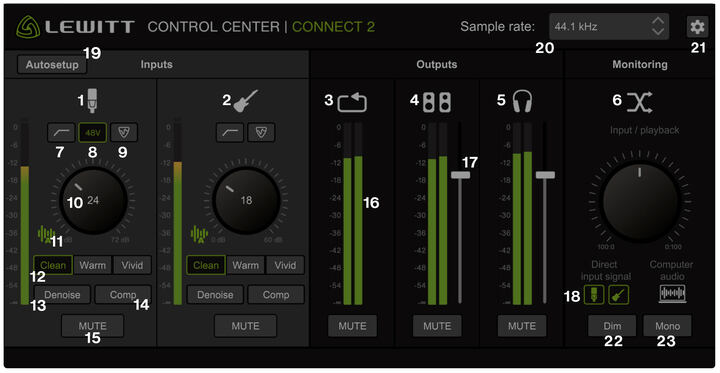
CONNECT 2提供两种直播模式来优化你在任何平台的直播体验。
1. 手机直播模式
什么情况下使用这个模式
第三方手机应用会选择通路1作为声音源,从而阻止了你直播时的乐器输入。
或者,第三方手机应用也可能选择通道1/2作为立体声直播的左右声道,从而导致麦克风作为左声道,乐器成为右声道。选择手机直播模式即可避免以上问题发生。
如何选择这个模式
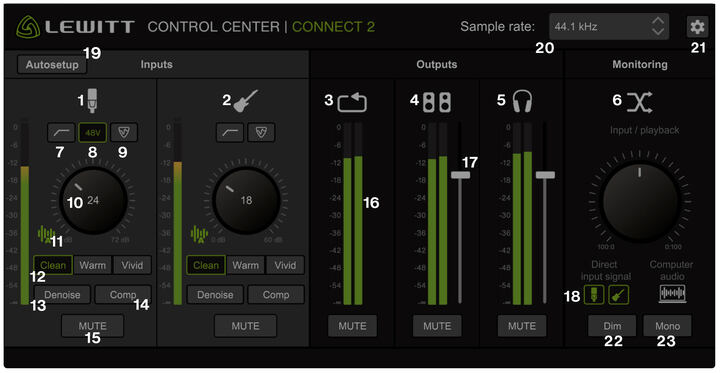
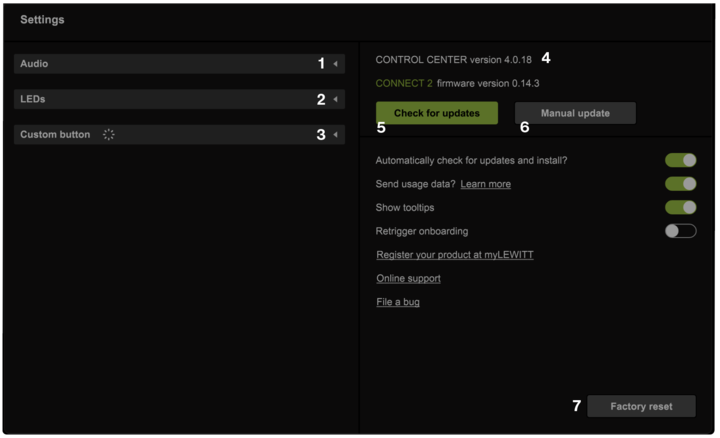
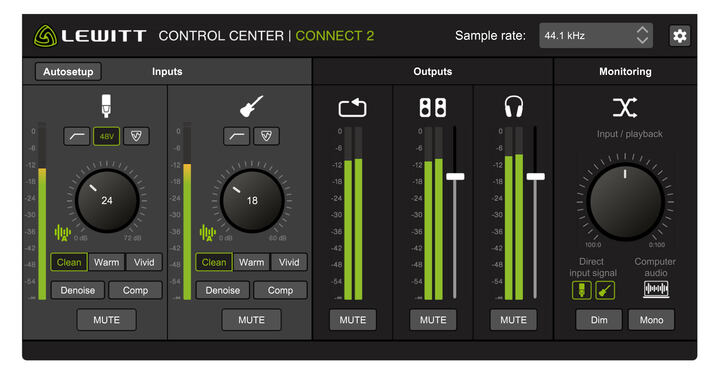
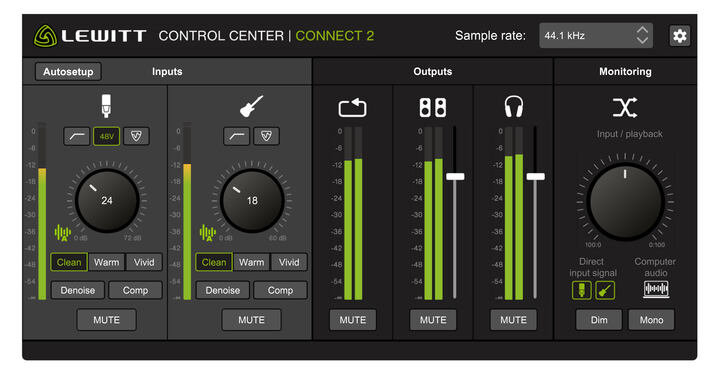
在“控制中心-设置-音频”中开启“手机直播模式”。该模式下,输入信号1/2的麦克风和乐器信号将被混合输出。
你的设备将收到如下信号:
| |
CONNECT 2 输入 |
CONNECT 2 输出 |
|---|
| 1 |
麦克风/乐器 |
输出 左 |
|---|
| 2 |
麦克风/乐器 |
输出 右 |
|---|
| 3 |
回放 左 |
|
|---|
| 4 |
回放 右 |
|
|---|
2. macOS直播模式
什么情况下使用这个模式
macOS, OBS和其他第三方应用可能会限制你输入通道的选择,那么将回放信号输入到直播信号就很难实现。
如果你想直播呈现麦克风、乐器和电脑系统音频,并在DAW里监听麦克风和乐器输入,这个模式就能有效地实现这些信号的回放。通过这个模式,你可以在任何软件上将回放通道作为输入信号。
如何选择这个模式
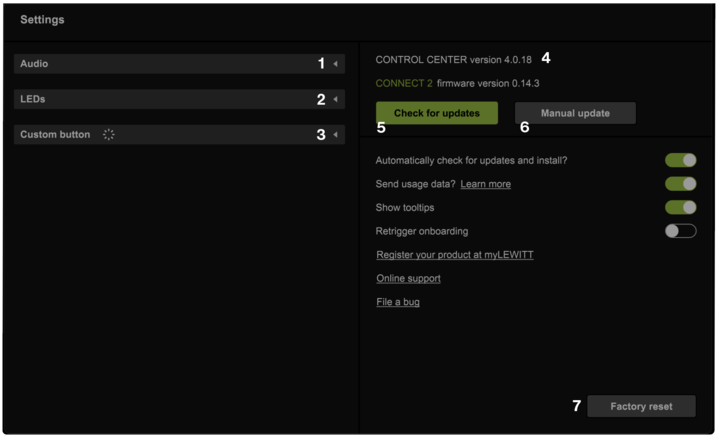
在“控制中心-设置-音频”中开启“macOS直播模式”。该模式下,回放的左右声道信号将被发送到输入1/2。
你的设备将收到如下信号:
| |
CONNECT 2 输入 |
CONNECT 2 输出 |
|---|
| 1 |
回放 左 |
输出 左 |
|---|
| 2 |
回放 右 |
输出 右 |
|---|
| 3 |
麦克风 |
|
|---|
| 4 |
乐器 |
|
|---|